








Introduction
Image upload has become an essential part of modern digital communication. Whether someone is adding a profile picture to a social media account, attaching a photograph to an online application, publishing an image on a website, sending a picture through a messaging platform, or adding product photos to an online store, image uploading is a process that millions of people use every day. Although the process often looks simple from the user’s perspective, several technical steps take place between selecting an image and seeing it appear online. Understanding how image upload works can help users choose suitable file formats, reduce image sizes, avoid failed uploads, and protect their personal information. As websites and applications continue to become more visual, knowing how to upload images correctly is an increasingly useful digital skill.
What Is Image Upload?
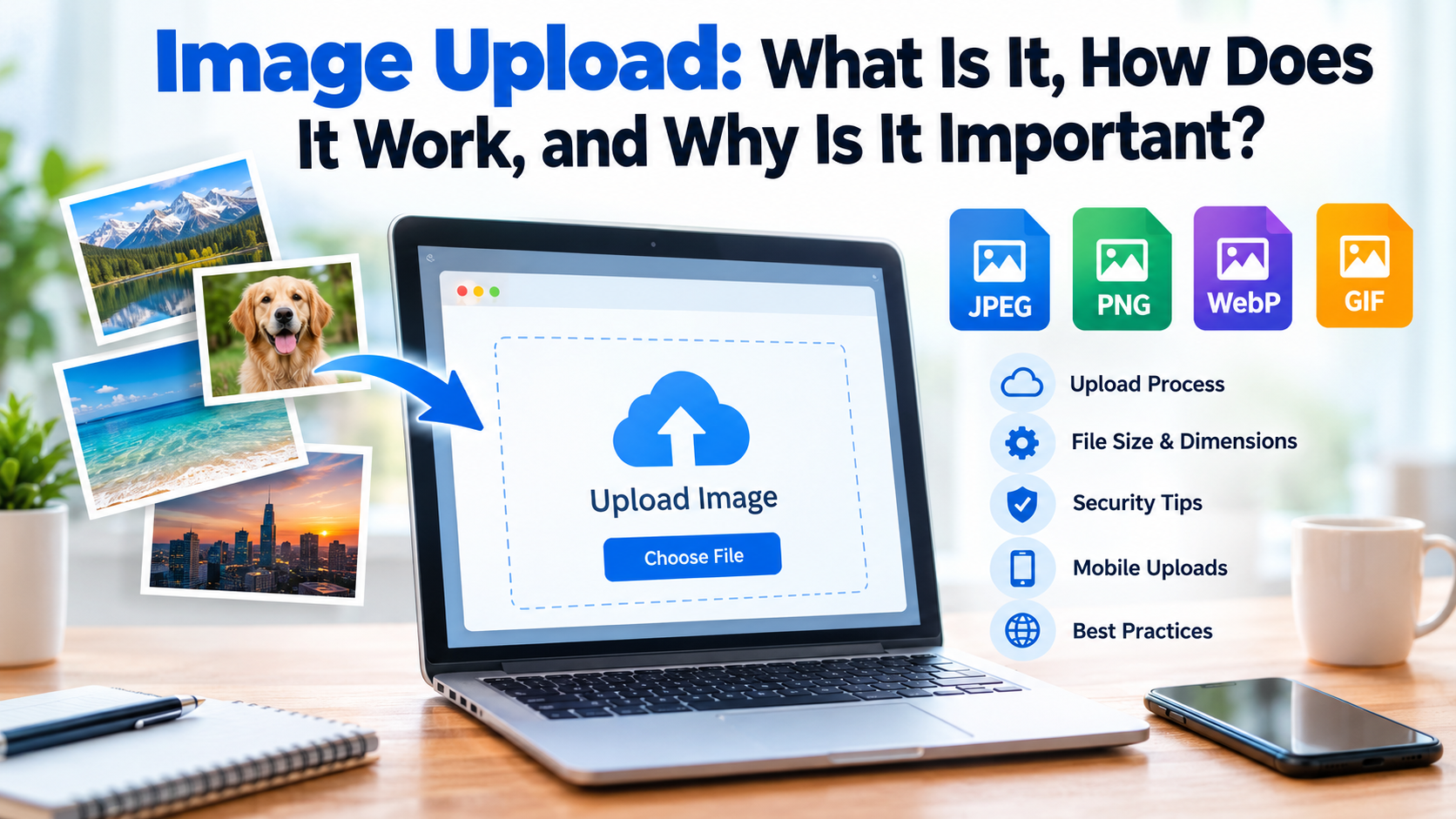
The term image upload refers to the process of transferring an image file from a local device to a website, application, cloud service, server, or online platform. The image may originally be stored on a smartphone, tablet, computer, memory card, or another storage device. When a user selects an image and presses a button such as “Upload,” “Choose File,” “Add Photo,” or “Submit,” the application begins transferring the selected file to a remote system. Once the transfer is completed and accepted, the image can usually be displayed, stored, edited, shared, or processed by the platform. The exact process differs between services, but the basic concept remains the same: a local image becomes available to an online system through a digital file transfer.
How Does Image Upload Work?
The image upload process generally involves several stages. First, the user selects an image from their device. The application then checks whether the selected file meets its requirements. These requirements can include maximum file size, supported image format, minimum or maximum dimensions, and sometimes restrictions related to content. If the image passes these checks, the application sends the file to a server over an internet connection. The server receives the file and may perform additional processing, such as resizing, compressing, converting, scanning, or generating different versions of the image. After successful processing, the system stores the image and connects it to the user’s account, webpage, post, application form, or other destination. This entire process can happen within seconds, although larger files and slower internet connections can make it take longer.
Common Image Formats for Uploading
Choosing the correct image format is important because different formats are designed for different purposes. JPEG or JPG is one of the most widely used formats because it generally provides a good balance between image quality and file size. It is particularly suitable for photographs and everyday images. PNG is useful when an image requires transparency or when maintaining sharper graphical details is important. WebP is another increasingly common format that can provide good image quality while keeping file sizes relatively small. GIF is often used for simple animations, although its limitations make it less suitable for high-quality photographs. Some platforms may also support newer formats, while others may only accept a limited selection. Before uploading an image, checking the platform’s supported formats can prevent unnecessary errors.
Why Image File Size Matters
One of the most common reasons an image upload fails is excessive file size. Websites and applications often establish upload limits to control storage requirements, improve performance, and prevent users from transferring unnecessarily large files. A high-resolution photograph from a modern smartphone can be several megabytes in size, while a platform may allow only a much smaller file. Image compression can solve this problem by reducing the amount of data contained in the file. Resizing an image can also make a major difference because an image that is much larger than its required display dimensions may contain unnecessary information. However, excessive compression can reduce visual quality, so the goal is normally to find a practical balance between file size and image quality.
Image Dimensions and Resolution
File size is not the only factor that matters during an image upload. Image dimensions and resolution can also influence whether a file is accepted and how it appears after uploading. Dimensions are usually expressed in pixels, such as 1920 × 1080 or 1200 × 1200. Some platforms require particular dimensions for profile pictures, banners, thumbnails, or product images. Resolution relates to the amount of visual detail represented in the image. A very large image may look excellent but could load slowly, while an extremely small image may become blurry when displayed at a larger size. Using the recommended dimensions provided by a platform is therefore one of the easiest ways to achieve a professional-looking result.
How to Upload an Image Successfully
A successful image upload usually begins with selecting a suitable file. Before starting, users should check the platform’s requirements for format, size, and dimensions. If the file is too large, it can be resized or compressed using an appropriate image-editing application. The user can then open the relevant upload area, select the image from the device, and wait for the upload process to finish. Some platforms display a progress indicator while the file is being transferred. Once the image appears in a preview window or is attached to the relevant content, the user should confirm that it looks correct before saving or submitting the page. Keeping the original image in a safe location is also recommended when the uploaded version has been compressed or resized.
Common Image Upload Problems
Several problems can interrupt an image upload. An unsupported file format is one common issue. If the platform does not recognize the selected format, converting the image to a supported format may solve the problem. Another frequent issue is a file that exceeds the platform’s maximum size. In that situation, compression or resizing is usually necessary. A weak or unstable internet connection can also cause an upload to stop before completion. Browser problems, application errors, temporary server issues, and insufficient storage can create additional difficulties. If an upload repeatedly fails, checking the file requirements first is often more useful than repeatedly selecting the same file. Restarting the application, trying another supported format, or using a stable connection may also help.
Image Upload on Mobile Devices
Smartphones have made image uploading especially convenient because users can take photographs and upload them almost immediately. Most mobile applications provide access to the device’s photo gallery or camera. A user may select an existing photograph or capture a new one and then upload it directly. However, modern smartphone cameras can create very large files, which may exceed certain platform limits. Resizing smartphone photographs before uploading them can reduce transfer times and storage consumption. Users should also pay attention to permissions granted to applications, particularly when an app requests access to a large portion of the device’s photo library.
Image Upload for Websites and Online Businesses
For website owners and online businesses, image upload is more than simply adding a photograph. Images can influence website appearance, user experience, product presentation, and page-loading speed. Online stores often depend on clear product photographs to help customers understand what they are considering purchasing. Websites may also require optimized images to avoid slow loading times. Image optimization can involve resizing, compression, appropriate file formats, descriptive filenames, and other techniques. A properly optimized image can maintain good visual quality without unnecessarily increasing page size. Website administrators should also consider storage organization so that uploaded files remain easy to manage as the website grows.
Image Upload and Security
Security is another important part of image uploading. Users should be cautious when uploading photographs containing sensitive information such as identification documents, private records, addresses, or confidential business material. An image that appears harmless may contain information that the user did not intend to share. Some image files can also contain metadata, which may include details about how or where a photograph was created depending on the device and settings. Privacy should always be considered before uploading an image publicly. Users should upload files only to trustworthy platforms and should understand who may be able to view or access the uploaded material.
Best Practices for Image Upload
Following a few simple practices can make image uploading easier and more reliable. First, use a supported file format and follow the platform’s stated requirements. Second, keep the image at a reasonable size rather than uploading an unnecessarily large original. Third, use appropriate dimensions for the intended display area. Fourth, preview the image after uploading to ensure that it has not been cropped or distorted unexpectedly. Fifth, maintain backups of important original images. Finally, avoid uploading private or sensitive photographs unless there is a clear reason to do so. These steps can reduce errors while also improving image quality, website performance, and personal privacy.
The Future of Image Upload
Image uploading is likely to become even more advanced as digital platforms adopt artificial intelligence and automated image processing. Many systems can already resize, compress, crop, categorize, and optimize images automatically. Future upload systems may provide smarter recommendations based on where an image will be displayed. Artificial intelligence may also help users identify unsuitable images, generate descriptions, improve accessibility, and organize large image collections. As visual content continues to dominate websites, social platforms, online stores, and digital applications, fast and intelligent image management will remain an important part of the online experience.
Frequently Asked Questions
1. What does image upload mean?
Image upload means transferring an image from a device such as a phone or computer to an online platform, website, application, server, or cloud service.
2. Why does my image upload fail?
An upload may fail because the image is too large, uses an unsupported format, exceeds dimension limits, or because of an unstable internet connection or temporary platform problem.
3. Which image format is best for uploading?
JPEG is commonly suitable for photographs, while PNG can be useful for graphics and transparent images. WebP can also provide an effective combination of quality and smaller file size when supported.
4. How can I reduce an image before uploading it?
You can reduce an image by changing its dimensions, compressing the file, or saving it in a more efficient format. The appropriate method depends on the platform’s requirements and the desired image quality.
5. Is image uploading safe?
Image uploading can be safe when performed through a trustworthy platform, but users should consider privacy before uploading personal or sensitive images. It is also wise to check what information an image may reveal before sharing it publicly.
Conclusion
Image upload is a simple but important digital process that connects images stored on personal devices with websites, applications, online services, and other platforms. Although uploading may require only a few clicks, factors such as file format, image dimensions, file size, internet connection, privacy, and platform requirements can significantly affect the result. Learning how to resize and compress images, select suitable formats, and recognize common upload problems can make the process much easier. Whether a person is uploading a personal photograph, adding an image to a website, submitting an online form, or managing an online business, understanding the basics of image uploading helps ensure that files are transferred efficiently, displayed correctly, and shared responsibly.